Getting Started
Get up and running with Mupen64 in minutes.
1. Download
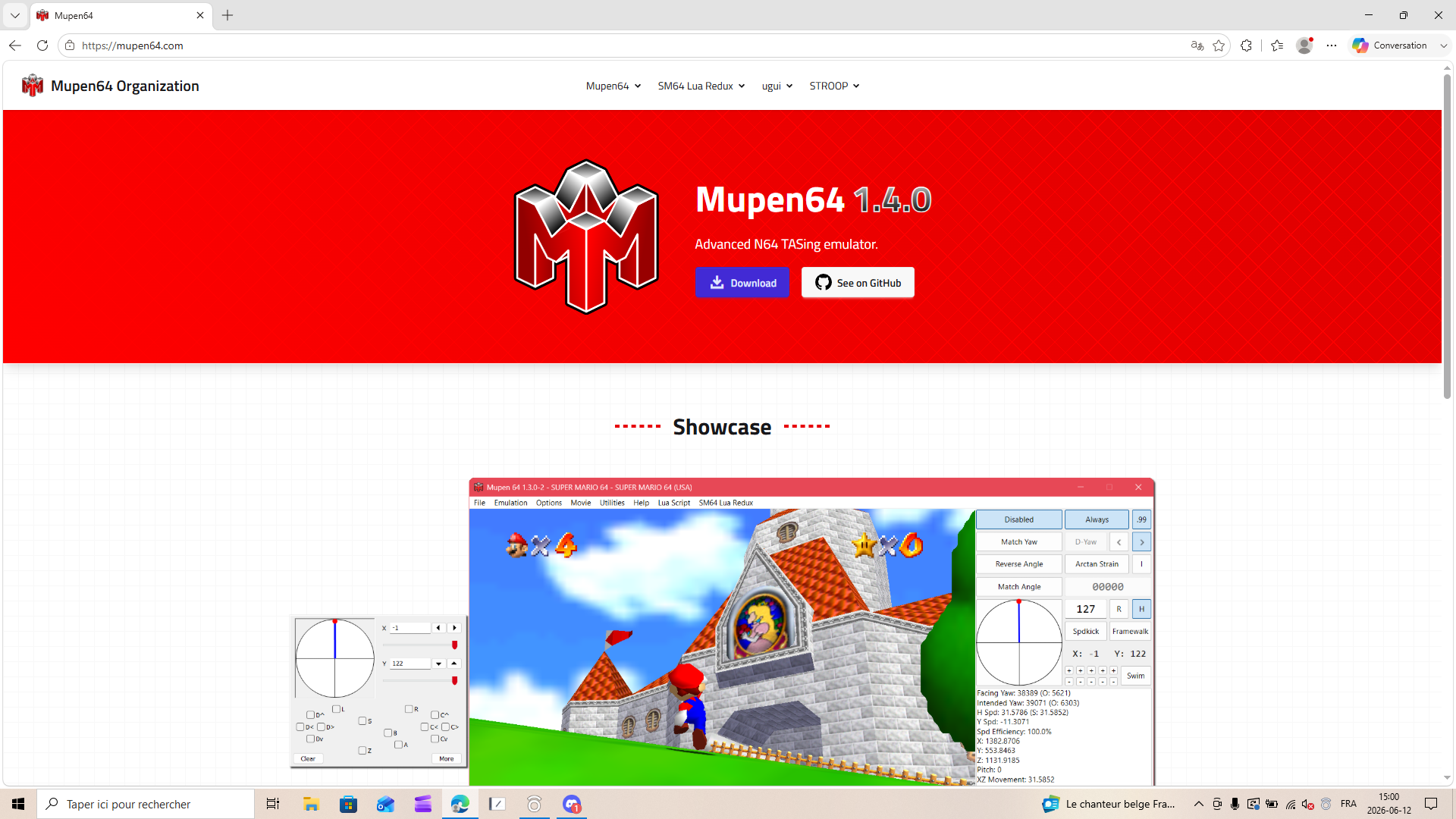
Go to https://mupen64.com and click the Download button.
Mupen64 is a portable application; it needs no installer.
2. Extract
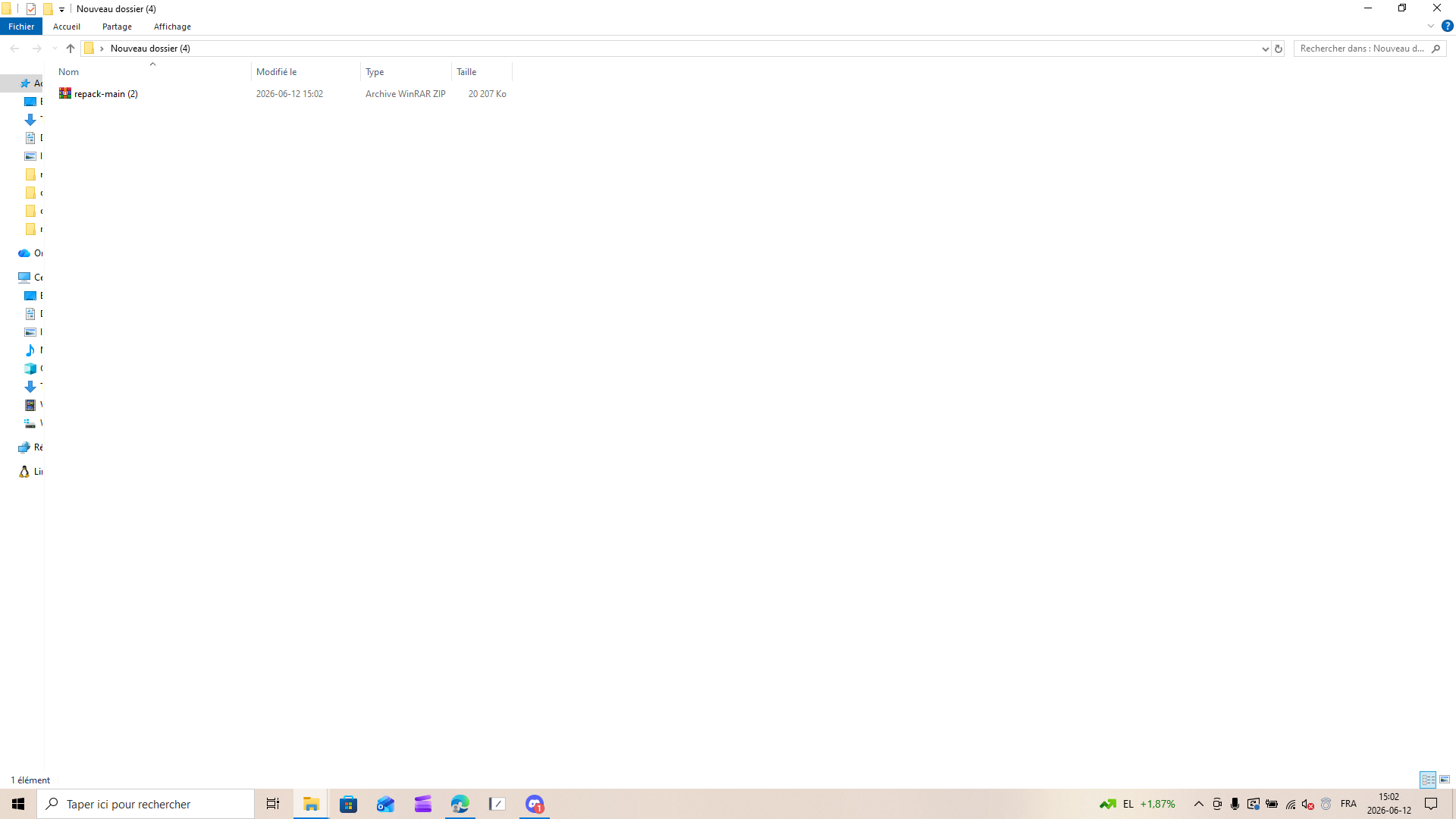
Extract the downloaded ZIP file to a folder of your choice.
Open the extracted folder and navigate to
repack-main/stable. You will see the emulator files includingmupen64.exe.If you want to use the potentially unstable latest development build, navigate to therepack-main/nightlyfolder instead.
3. Launch
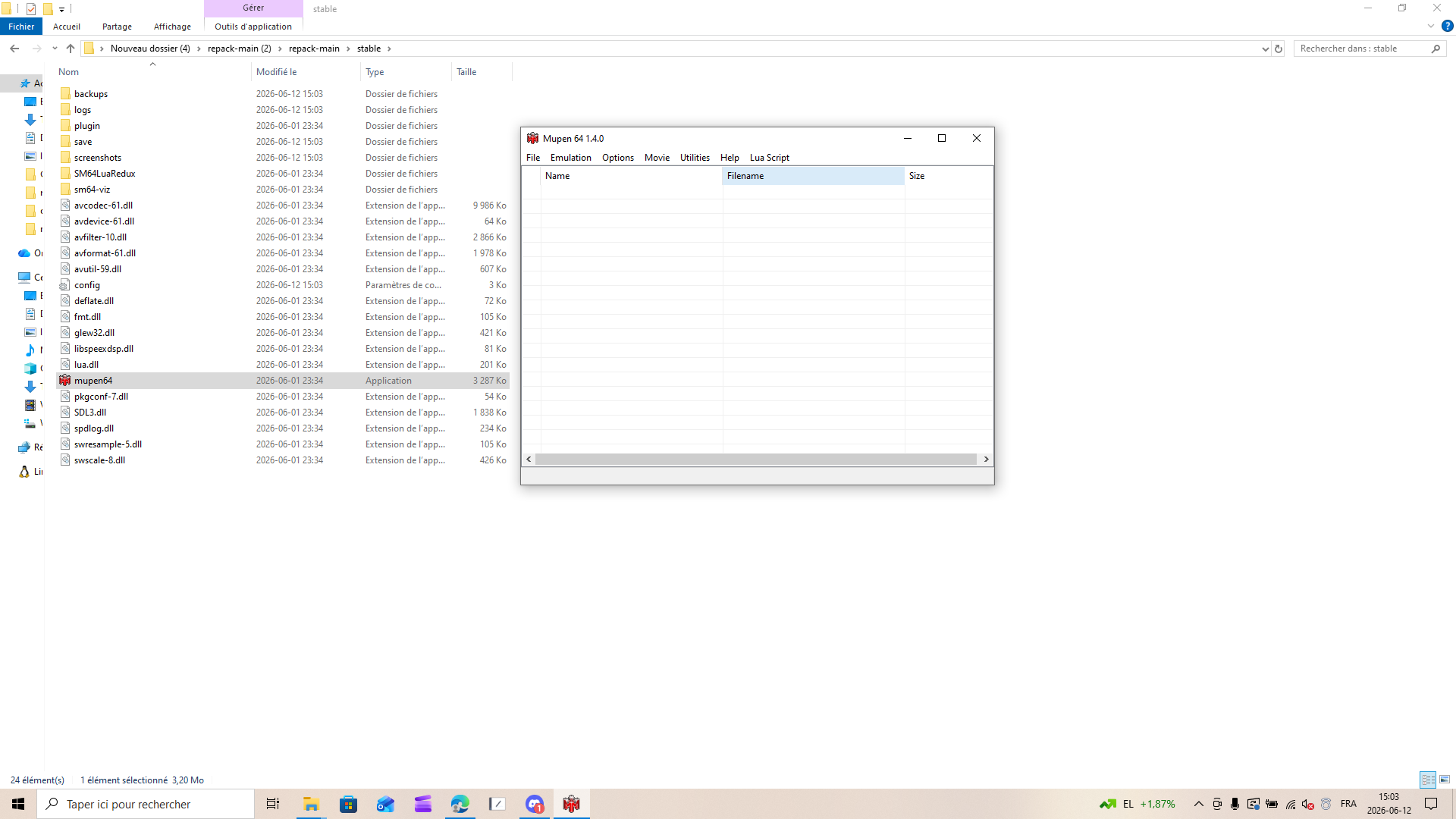
Double-click mupen64.exe to start the emulator.
4. Define a ROM folder
Mupen64 can list your games by pointing it to a folder that contains your N64 ROMs.
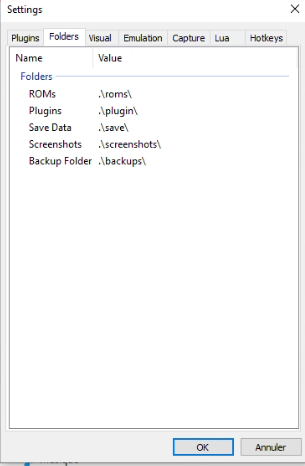
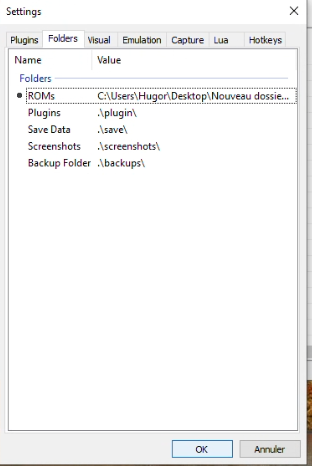
- Open Settings (press
Ctrl + S) and select the Folders tab.
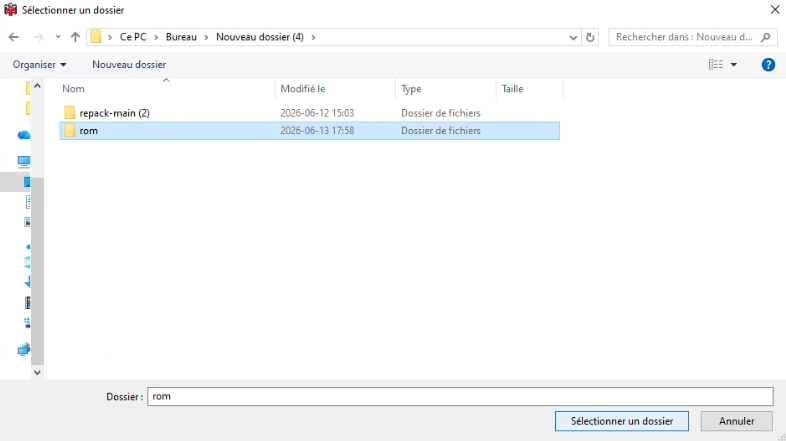
- Next to ROMs, click the browse button and select the folder where your
.n64,.z64, or.v64ROMs are stored.
- Click OK to save. The ROMs path now points to your chosen folder.
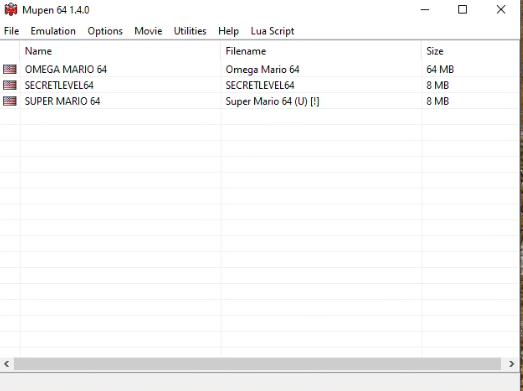
- The main window now lists every ROM found in that folder. Double-click a game to start it. The TAS Input window appears alongside the game.
5. SM64 Lua Redux (Optional)
If you're TASing Super Mario 64, you can use SM64 Lua Redux to visualize data and guide your inputs.
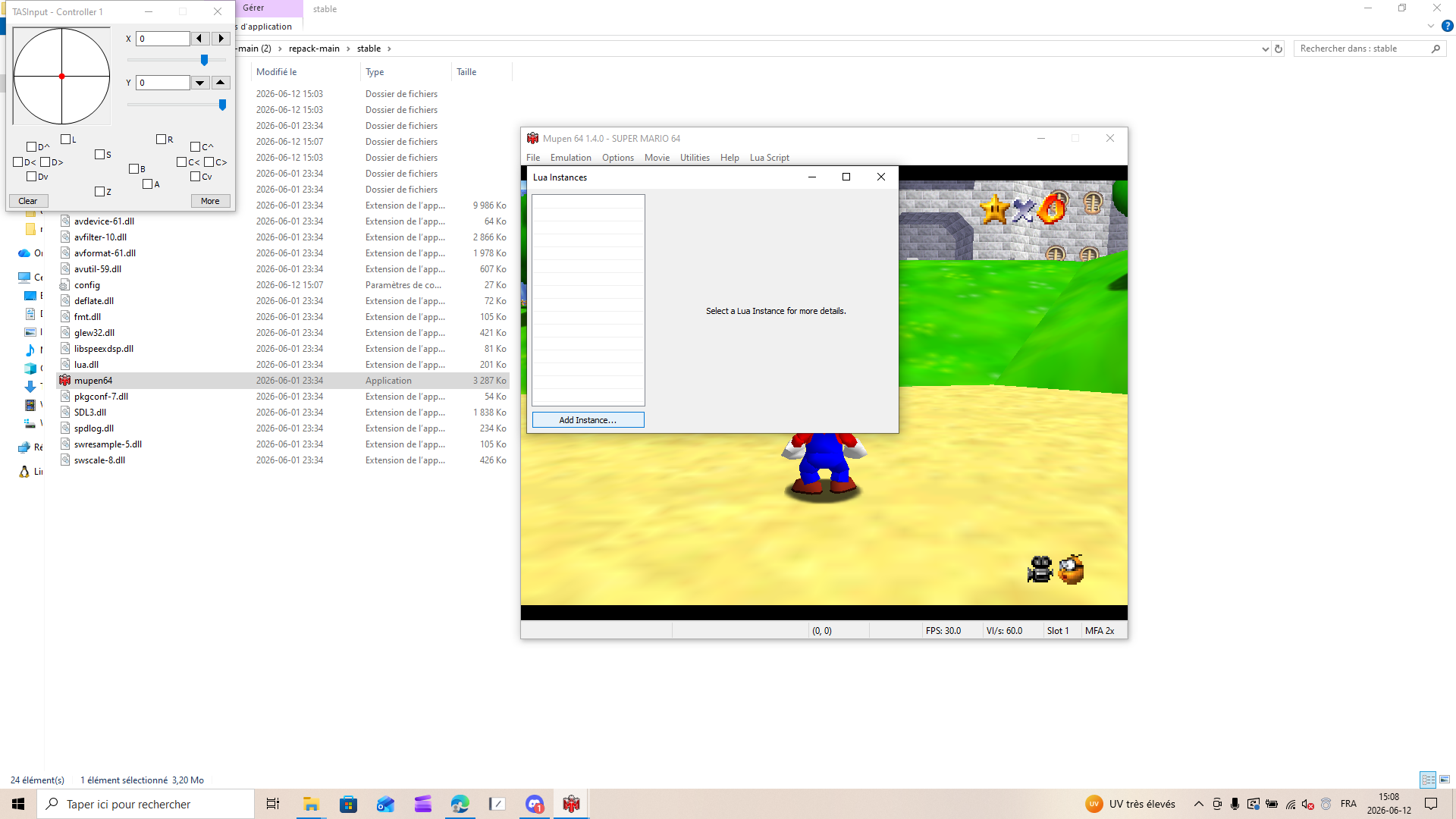
5.1 Open Lua Instances
With a ROM running, go to Lua Script > Show Instances (
Ctrl + N).
5.2 Add the Script
You can add the script in one of two ways:
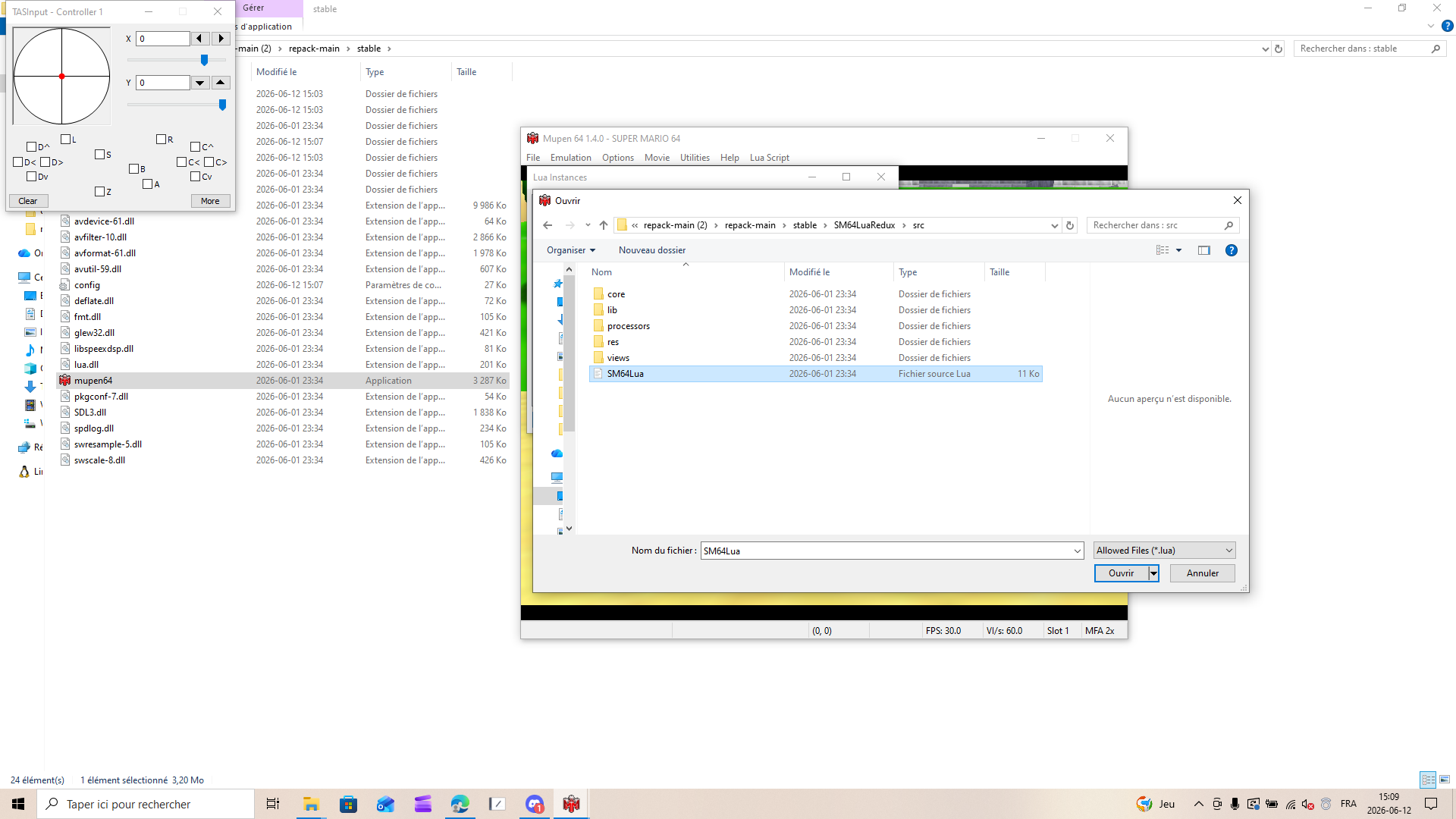
Click Add Instance, then browse to the
SM64LuaRedux/srcfolder and selectSM64Lua.lua.
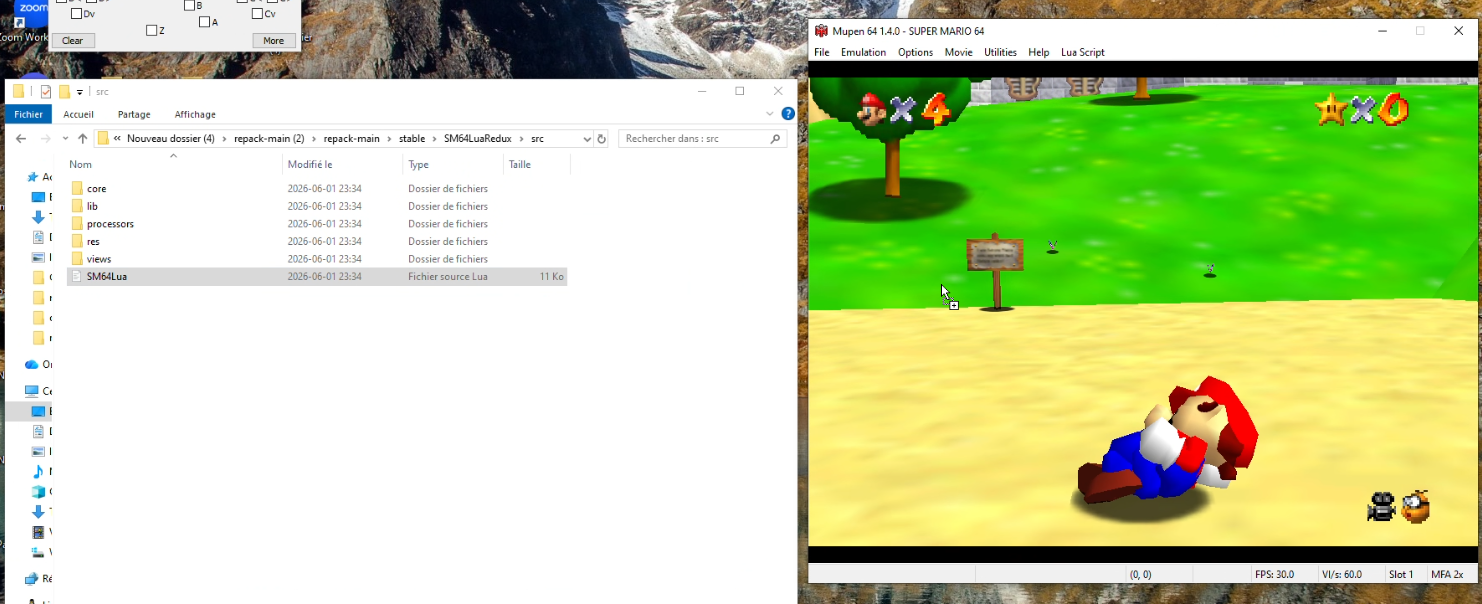
Or drag and drop
SM64Lua.luadirectly from theSM64LuaRedux/srcfolder onto the Mupen64 window.
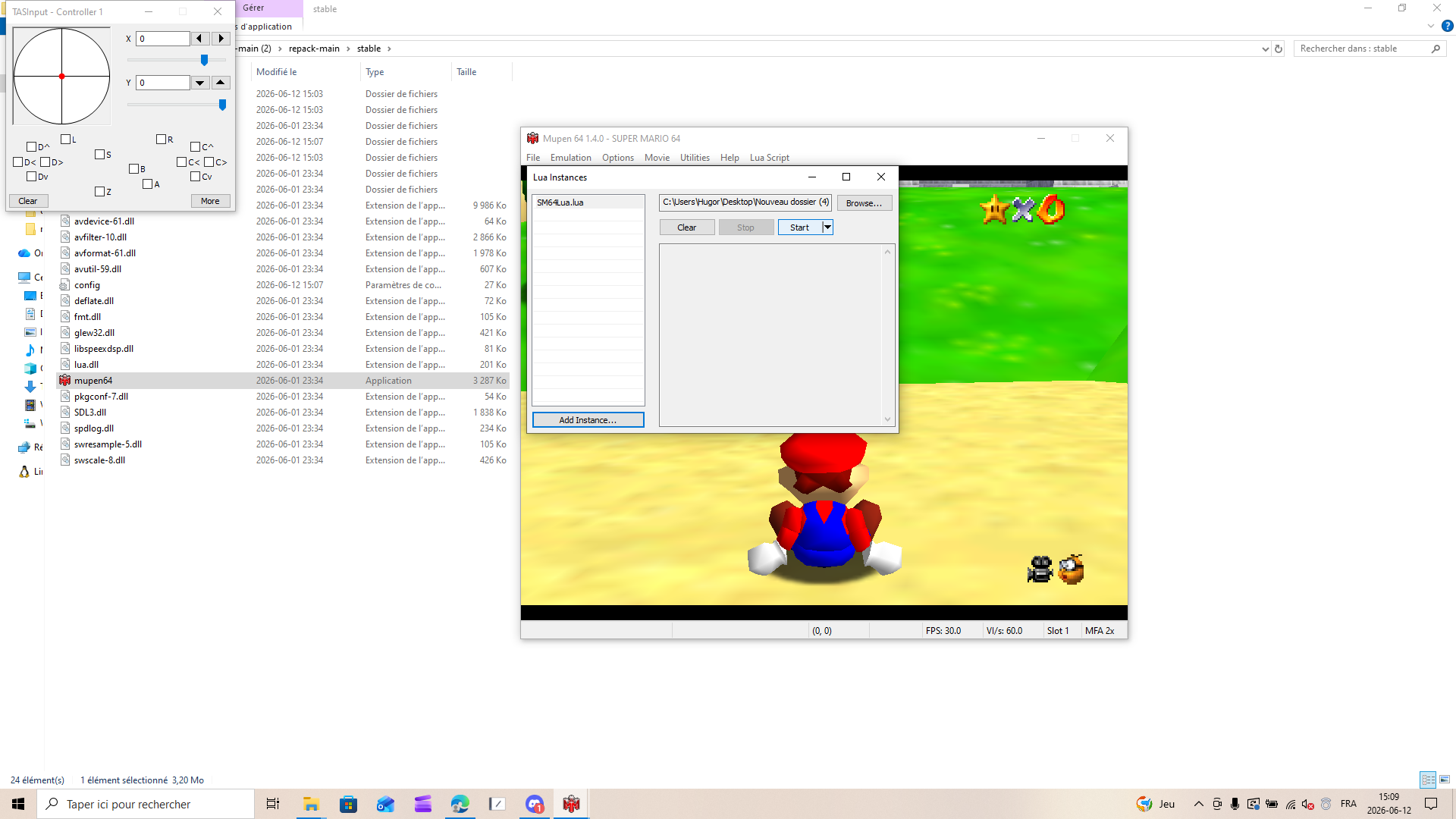
5.3 Start the Script
Click Start to run the script.
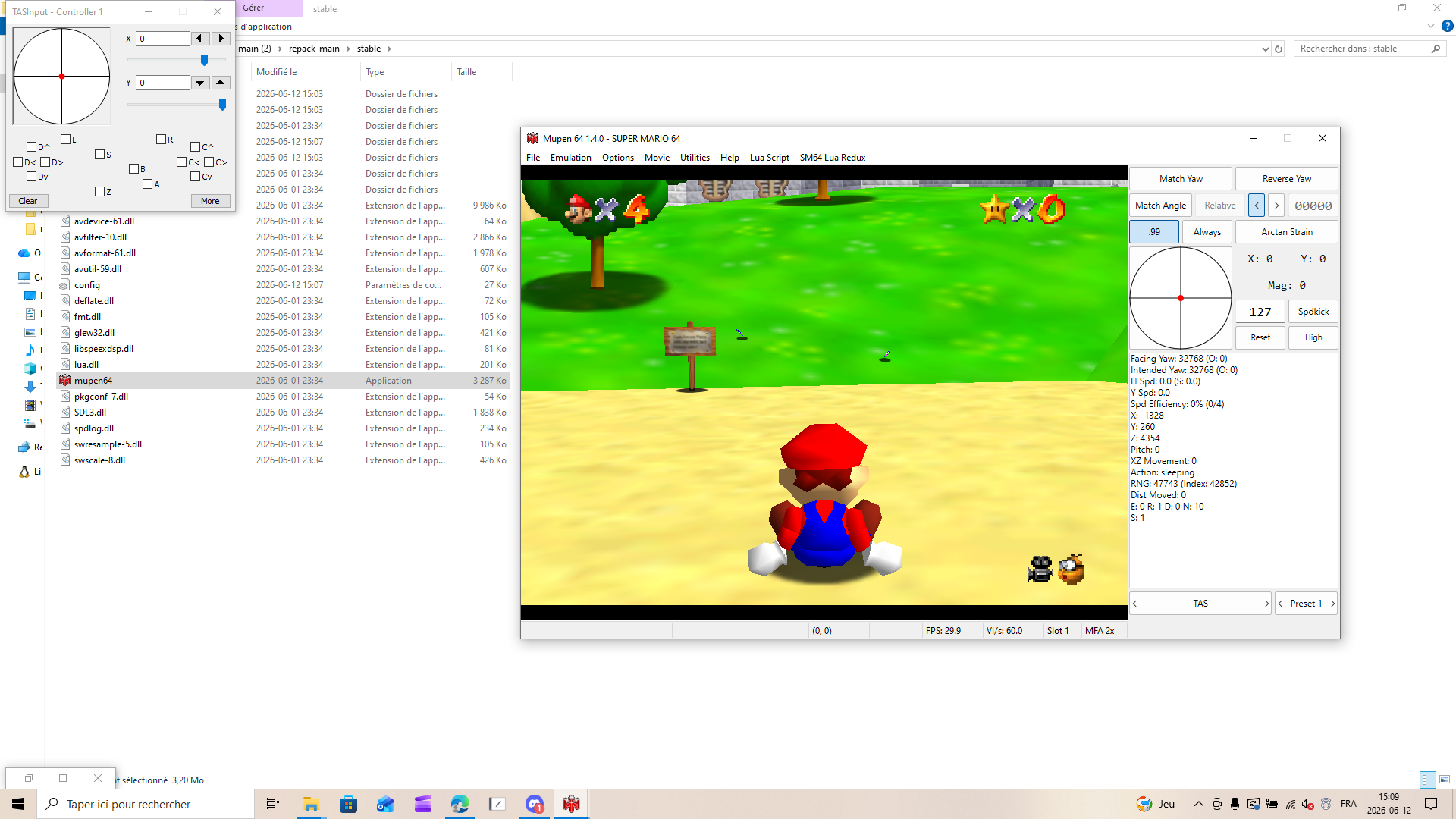
The overlay now displays live game data on the right side of the game window.
Common Keyboard Shortcuts
Key Action Ctrl + OLoad ROM Ctrl + SSettings Ctrl + NShow Lua Instances F1-F4Save state to slot 1-4 Shift + F1-F4Load state from slot 1-4 You're now ready to use Mupen64's TAS capabilities.
Please note that the Mupen64 ecosystem is geared towards Super Mario 64 and its romhacks - other games might not be emulated accurately.
To learn more, join the Mupen64 Discord Server.